
A simple router restart does not always solve connection issues. Changing the Wi-Fi channel can sometimes double network stability, while enabling WPA3 is not always compatible with all devices. The router’s location influences signal quality more than the strength of the internet subscription.
Some equipment, like repeaters or mesh systems, fix dead zones but can introduce unexpected latencies. Domestic interference, often underestimated, quietly sabotages browsing speed. Understanding these technical parameters allows for optimizing network efficiency without changing providers.
Why Wi-Fi is not always up to your expectations
The promise of a fast and stable internet connection often clashes with reality. The Wi-Fi network, broadcasted by the internet box or router, relies on frequency bands of 2.4 GHz, 5 GHz, and more recently 6 GHz, whose range and performance vary depending on locations and devices used. The accumulation of connected devices in a single household, the presence of thick walls or metallic elements, the proximity of waves emitted by microwaves or baby monitors: all these details weigh on the throughput experienced every day.
A recent box may support Wi-Fi 6E or even Wi-Fi 7, but in practice, an older laptop or an older generation phone will not benefit from these advancements. On a home Wi-Fi network, every physical obstacle, every smartphone streaming, every video conference weakens the shared bandwidth. The wired local network, on the other hand, remains unbeatable in terms of stability, but all our modern uses demand mobility, hence wireless.
Detailed advice, like that from easywifi.config, helps clarify things: choose the right frequency band, limit the number of devices connected simultaneously, or wisely place the box or router. To optimize your network, you need to proceed methodically: identify sources of interference, test coverage room by room, check the compatibility of each connected device. The Wi-Fi network is constantly evolving: new uses, new standards, new needs. It’s impossible to rest on your laurels.
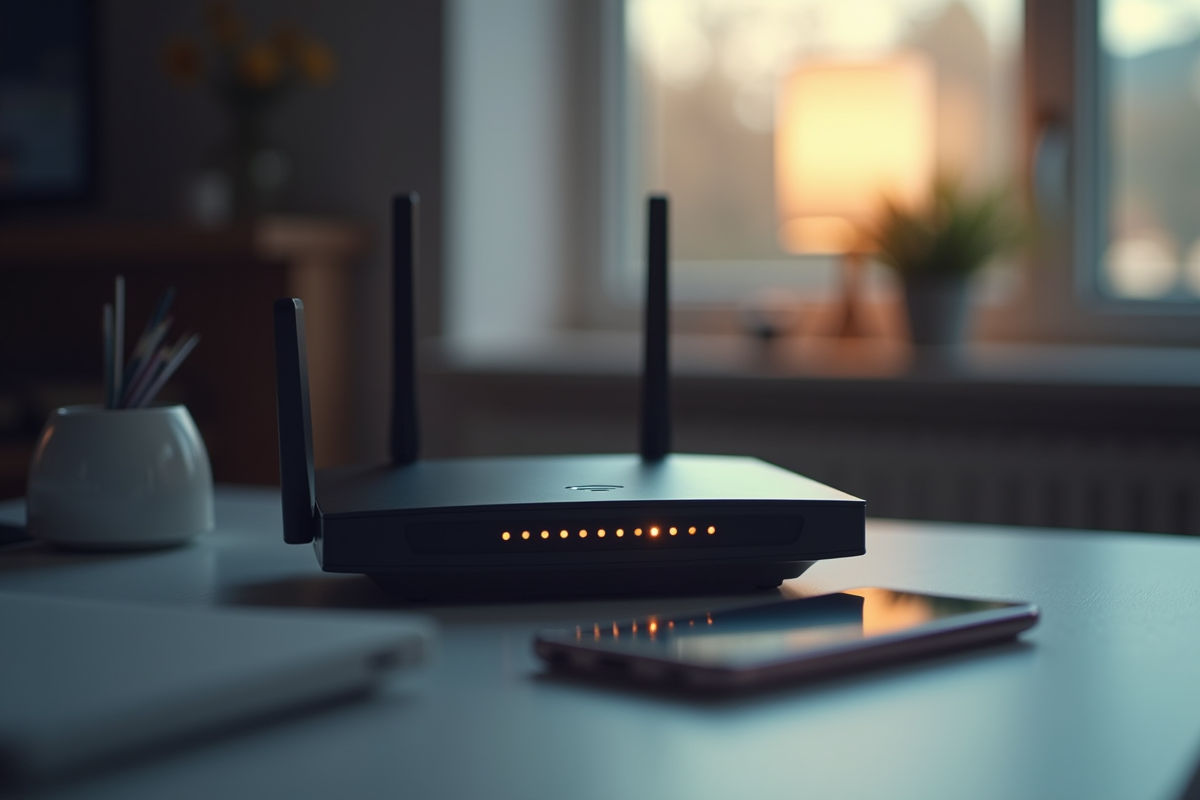
Essential technical solutions to boost and secure your connection daily
For every Wi-Fi network, it’s about finding the right balance between performance and security. The first reflex: access the administration interface of your internet box. Remember to change the wifi password by opting for a long and hard-to-guess phrase, far from obvious codes. If your box offers it, enable WPA3 encryption: this protocol is more resistant to intrusion attempts than WPA2, which is still common in many households.
To enhance the security of your network, several concrete actions should be considered:
- Review the list of devices connected to the network: if an unknown MAC address appears, it’s best to block it immediately.
- Enable MAC filtering to allow only trusted devices to access your Wi-Fi.
- Update the firmware of the box and router as soon as a patch is available, as security vulnerabilities are plentiful.
To ensure a reliable connection, install a firewall and an antivirus on the most sensitive devices. When reliability is paramount, for example for remote work or large file transfers, prefer a wired connection. For guests, create a guest network: this separate network protects your personal data by limiting access to your devices.
Browsing on a public network requires even more precautions. Always enable a VPN: traffic encryption prevents any interception of your personal data. Adjust the Wi-Fi channel on your box to reduce interference, especially if you live in an apartment building or a housing development. All of these actions, applied regularly, strengthen the security of your exchanges and ensure a stable connection, day after day.